
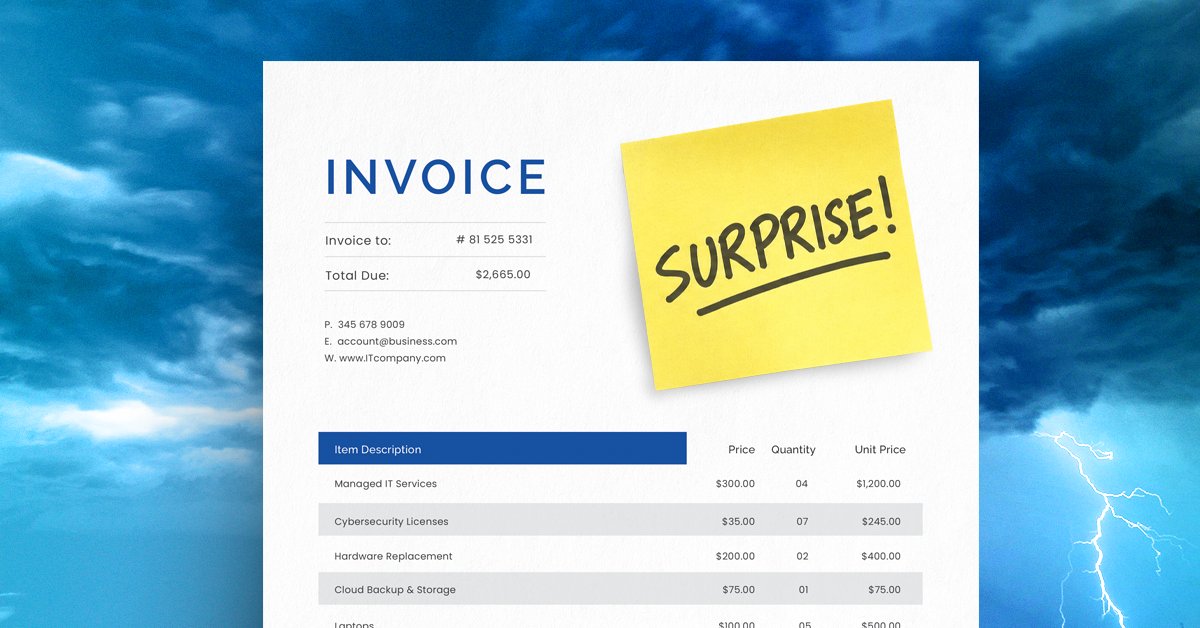
The four most common IT budget mistakes small businesses make are budgeting from last year's numbers instead of forecasting forward, keeping aging equipment too long, ignoring software renewal dates and planning for growth without including IT in the conversation. Each one is predictable and preventable with the right process in place.
Most businesses head into a new year with a technology budget that feels solid. The numbers are approved, the spreadsheet is tidy and IT is checked off the list until the next quarterly review.
Then summer arrives. A few laptops fail. New hires push storage costs up. Software renewals come in 20% higher than last year, for the exact same tools. And someone in the room asks the question no IT provider wants to hear: "Why didn't we know about this?"
The honest answer is that most surprise technology expenses aren't surprises at all. They're predictable months in advance. The problem isn't bad luck. It's a budget built on the wrong assumptions.
Here are four mistakes that turn foreseeable IT costs into unexpected ones, and what to do instead.
1. You’re budgeting backward
Looking at last year's spending and assuming next year will look similar is the most common IT budgeting mistake. It's simple, and past costs can be a useful starting point, but that's not forecasting. That's a rearview mirror.
A useful budget looks forward. Before you finalize numbers, review aging equipment, upcoming software renewals, staffing plans and any business initiatives on the horizon. A laptop that's four years old today will likely be five years old and failing by mid-year. A team adding three people in Q2 needs devices, licenses and onboarding built into the plan now, not in April.
Last year's invoice tells you what happened. It doesn't tell you what's coming.
2. “It still works” is your replacement strategy
Every office has that one computer. It's slow, the battery is unreliable and opening two programs at once is optimistic. The person using it has built workarounds around its limitations and keeps it plugged in at all times.
"It still works" is a low bar for a tool someone depends on to do their job.
When aging equipment finally fails, and it will, what could have been a planned $1,200 replacement becomes an emergency purchase made in a hurry. Rushed procurement costs more, takes longer and pulls your team's attention away from actual work. A simple equipment lifecycle review once a year can eliminate most of these surprises. Most business-grade computers have a useful life of three to five years. If you know what you have and how old it is, you can plan replacements before they become emergencies.
3. You’re treating renewals like autopilot
Auto-renewal is built into nearly every recurring software subscription today. It's convenient, until it isn't.
Subscriptions renew whether or not you still need them, whether or not the employee who used them is still with the company and whether or not the tool is still worth the cost. A cloud storage account for a former employee, a security tool that was replaced six months ago, a license no one can identify. These are common and they add up.
Set calendar reminders 30 to 45 days before each renewal date. Review the subscription before it auto-renews. This one habit can recover hundreds or thousands of dollars annually that would otherwise disappear quietly into next year's budget.
4. Your growth plan and IT budget have never been in the same room
Leadership planning meetings and IT planning meetings often happen separately. That separation is where budget surprises are born.
New employees come with device, license and security costs. Expansion into a new location means network infrastructure. A shift to hybrid or remote work brings connectivity, access management and endpoint security into the picture. When these conversations happen in isolation, the costs show up together on an invoice, usually at the worst possible time.
Bringing your IT provider into growth conversations early changes the dynamic. Instead of reacting to what the business decided, your technology plan can be built around where the business is going.
A good IT budget shouldn’t have surprises
When you can see equipment replacements, renewals, security needs and growth-related costs ahead of time, you're not just building a budget. You're building a plan. One that gives you a realistic picture of the year ahead and far fewer moments of "I didn't see that coming."
About Goodwin PC Services
Goodwin PC is a locally owned managed IT provider serving small and mid-sized businesses across the Mid-South, including Memphis, Olive Branch, Hernando and Corinth. We've been named to the MSP 501, a ranking of the top managed IT providers in the country, seven consecutive years. Our team responds to emergencies within 15 minutes, answers every call live and helps businesses plan for technology costs before they become problems.
If you'd like a clearer look at what your technology expenses could look like next year, we're happy to help. Schedule a discovery call at goodwinpc.com or call us at 901-550-2142.
Frequently asked questions
How far in advance should a small business plan its IT budget?
Most businesses benefit from starting the IT budgeting process 60 to 90 days before the new fiscal year. That window gives enough time to review aging equipment, audit software renewals and factor in any planned growth or staffing changes.
How often should a business replace its computers?
Most business-grade computers have a useful life of three to five years. Replacing equipment on a planned schedule is almost always less expensive than emergency procurement after a failure.
What's the easiest way to avoid surprise IT costs?
The most effective habit is a quarterly review of three things: equipment age, upcoming software renewals and any business changes that will require new technology. Most surprise IT expenses are visible well in advance with a basic review process in place.