
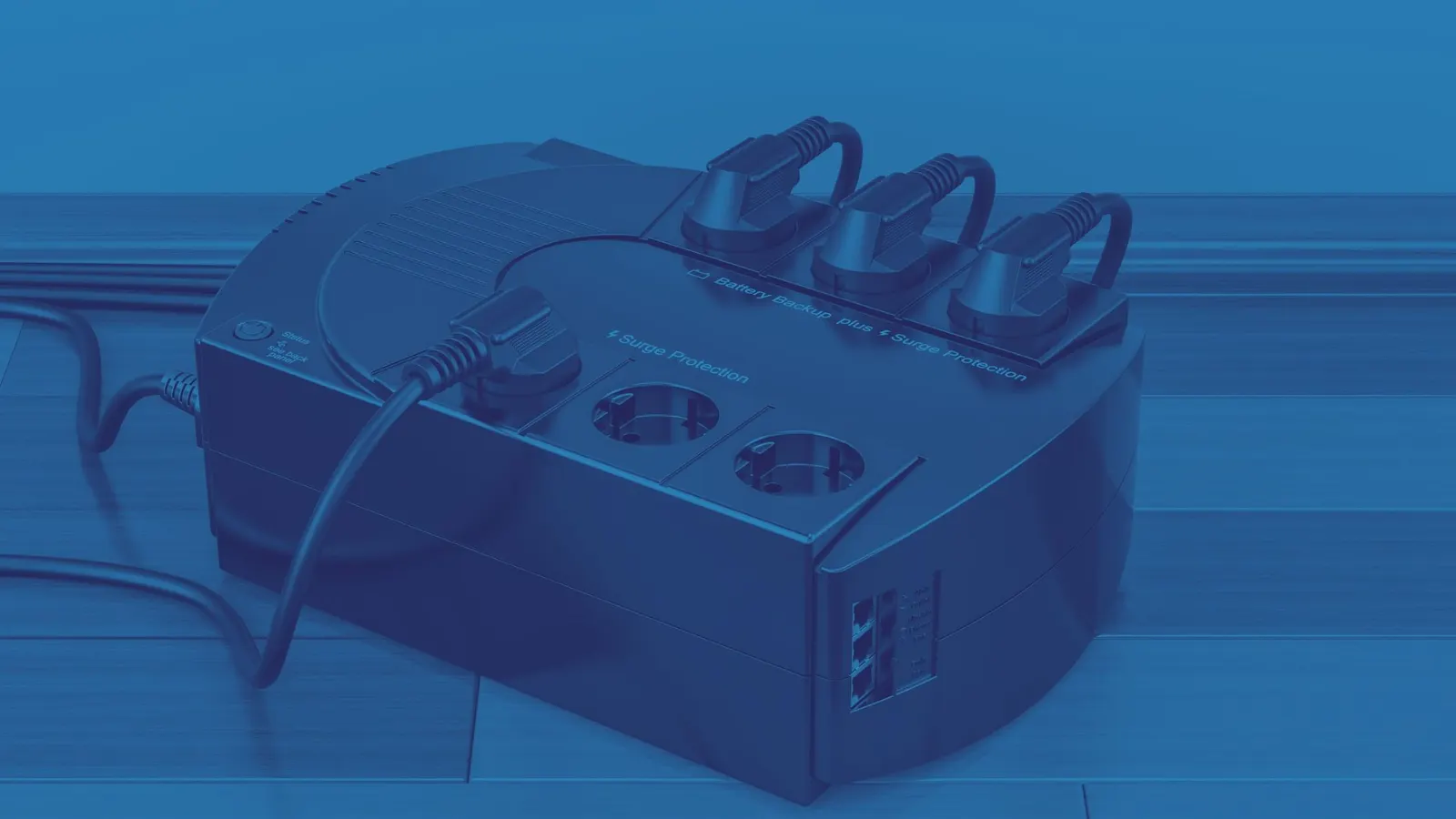
A battery backup (also called a UPS, or uninterruptible power supply) is one of the most useful and most misunderstood devices in a small office. Most people know it's "the thing that beeps." Fewer know what it's actually for, or what should be plugged into it.
This is the short, practical version. Consider it bonus content for our Tech Tips readers.
What a Battery Backup Actually Does
A UPS does two jobs:
1. Keeps things running briefly when the power drops. Not for an hour. Usually for a few minutes, which is just enough to save your work and shut down properly.
2. Smooths out bad power. Surges, sags, and flickers can quietly damage electronics over time. A UPS acts as a buffer.
Notice what's missing from that list: "keep your whole office running through a storm." That takes a generator and a much bigger budget. A UPS buys you time to shut down gracefully, and that's a bigger deal than it sounds.
What Belongs on the Battery Backup
Your computer (the tower or desktop)
This is the main event. If the power cuts out while your computer is writing data to its drive, you can end up with corrupted files, a damaged operating system, or an unfinished update that leaves the machine unbootable. A UPS gives the computer time to finish what it's doing and shut down cleanly.
Your monitor
This one surprises people, but it makes sense. If the monitor goes dark the instant the power blips, you can't see the warning, can't save your work, and can't shut down properly. You'll be sitting there blindly pressing keys like a pilot who lost the instruments. Keep the monitor on the battery side so you can see what's happening.
Network gear (in the right setup)
Your router, switch, and modem are good candidates, especially if you rely on cloud applications, VoIP phones, or remote access. A short outage shouldn't knock your whole office offline. Servers and network equipment are usually best handled with a dedicated, properly sized UPS, and that's something we're happy to help you plan.
Your VoIP phone base or desk phone (if it uses power)
If your phones need power from a network switch or adapter, they go down with it. Backing them up keeps you reachable through brief outages.
The Gray Area: External Hard Drives
Here's where we need to have a conversation.
If you're using an external hard drive, the real question is why. Sometimes there's a perfectly good reason. But often it means one of these is happening:
- Important files are living only on that drive, with no second copy anywhere else.
- It's being used as a makeshift backup, and nobody is sure it's actually working.
- It was set up years ago by someone who has since left, and no one remembers the details.
External drives are particularly sensitive to sudden power loss, since a drive that loses power mid-write can corrupt the data on it. So yes, if you're using one, it belongs on the battery backup.
But the better move is to talk to us about it. A single external drive is a single point of failure. If it fails, gets dropped, or gets stolen, whatever was on it can be gone for good. We can usually point you toward a safer setup, like managed backups that run automatically and get tested, so you aren't relying on a drive in a drawer.
If you have one, don't panic. Just give us a call and we'll take a look together.
What Should NOT Be Plugged In
This is the section where we raise one eyebrow, gently.
Space heaters
We have to say it: do not plug a space heater into your battery backup. We know it's tempting. The heater is right there, the outlet is right there, and the UPS has all those convenient plugs.
Here's the problem. Heaters pull a huge amount of power, far more than a UPS is built to handle. Plugging one in can overload the unit, trip it into constant alarm, drain the battery in moments, or in the worst case create a genuine fire risk. A UPS is designed for computers, not for toasting your toes.
If you're cold, the heater should go directly into a wall outlet, ideally one that isn't shared with a pile of other equipment. And if a circuit keeps tripping, that's worth a call to an electrician.
Other things to keep off the UPS
- Laser printers. They draw a big burst of power when they warm up and can overwhelm the battery. Plug these into a surge protector instead.
- Coffee makers, microwaves, mini-fridges, and fans. Same logic. Anything that heats, cools, or has a motor is usually too power-hungry.
- Power strips and surge protectors daisy-chained onto the UPS. It's a quick way to overload the unit and can void warranties.
A Simple Rule of Thumb
If it's a computer, a screen, or something that needs to stay online to protect data, it probably belongs on the UPS. If it makes heat, makes noise, or has "warm-up time," it probably doesn't.
Quick Checklist
- Computer or tower: Yes
- Monitor: Yes
- Router, switch, modem: Yes
- VoIP phone equipment: Yes
- External hard drive: Yes, but let's talk about your backup plan
- Laser printer: No
- Space heater: Absolutely not
- Coffee maker or microwave: No
When to Call Us
A battery backup is only useful if it's the right size, the battery is healthy, and the right things are plugged in. Batteries wear out, usually within three to five years, and that beeping is often a polite way of telling you it's time for a replacement.
If you're not sure what's plugged in where, whether your UPS is still doing its job, or what to do about that external drive, we're happy to take a look. No judgment, and we promise we won't tell anyone about the heater. Schedule a call with us here.